


 Estimated delivery in 3-7 business day
Pickup currently not available

Linkind SP6 Smart Solar Pathway Lights (5 Built-in Light Patterns, App&Voice Control, 16 Million Color, IP67 Waterproof)
Pickup currently not available
 Estimated delivery in 3-7 business day
Pickup currently not available


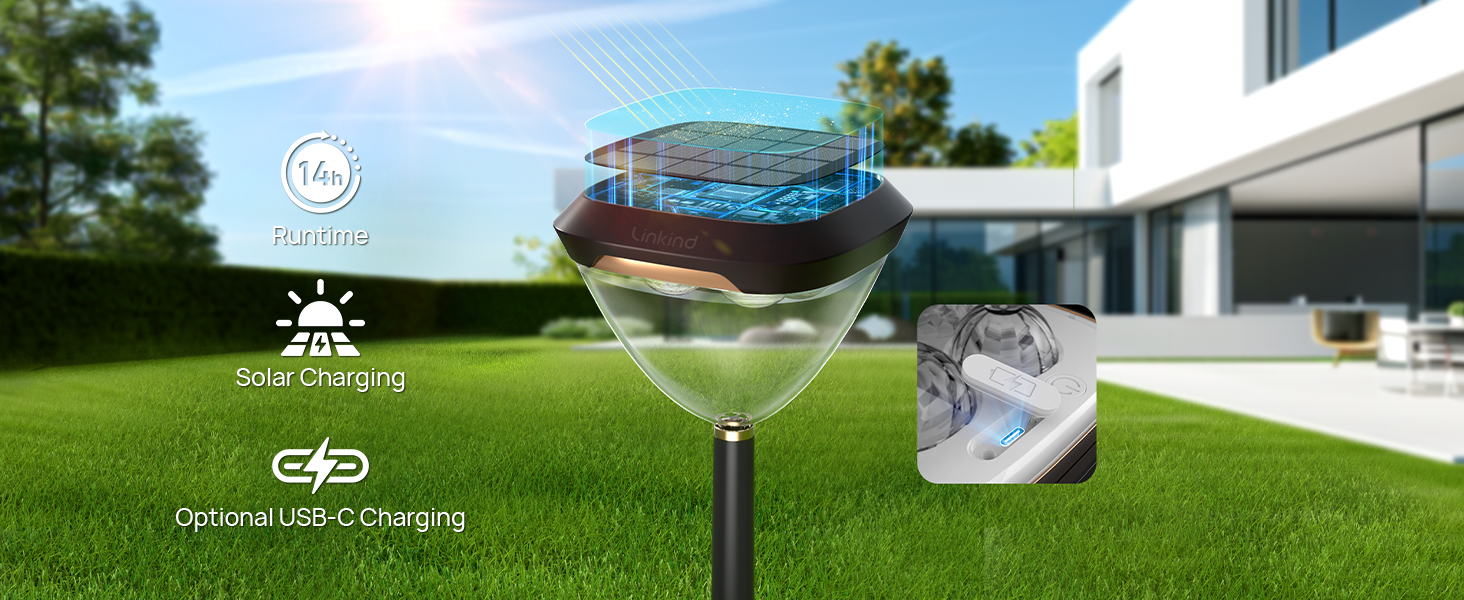
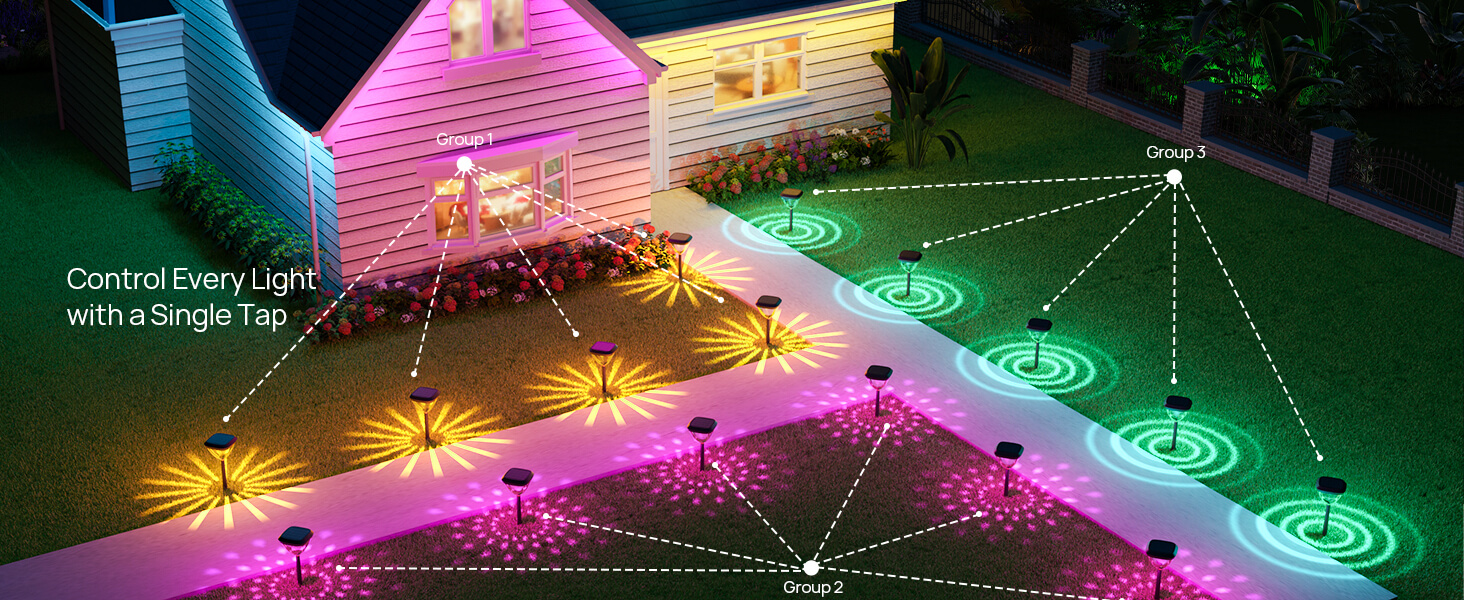
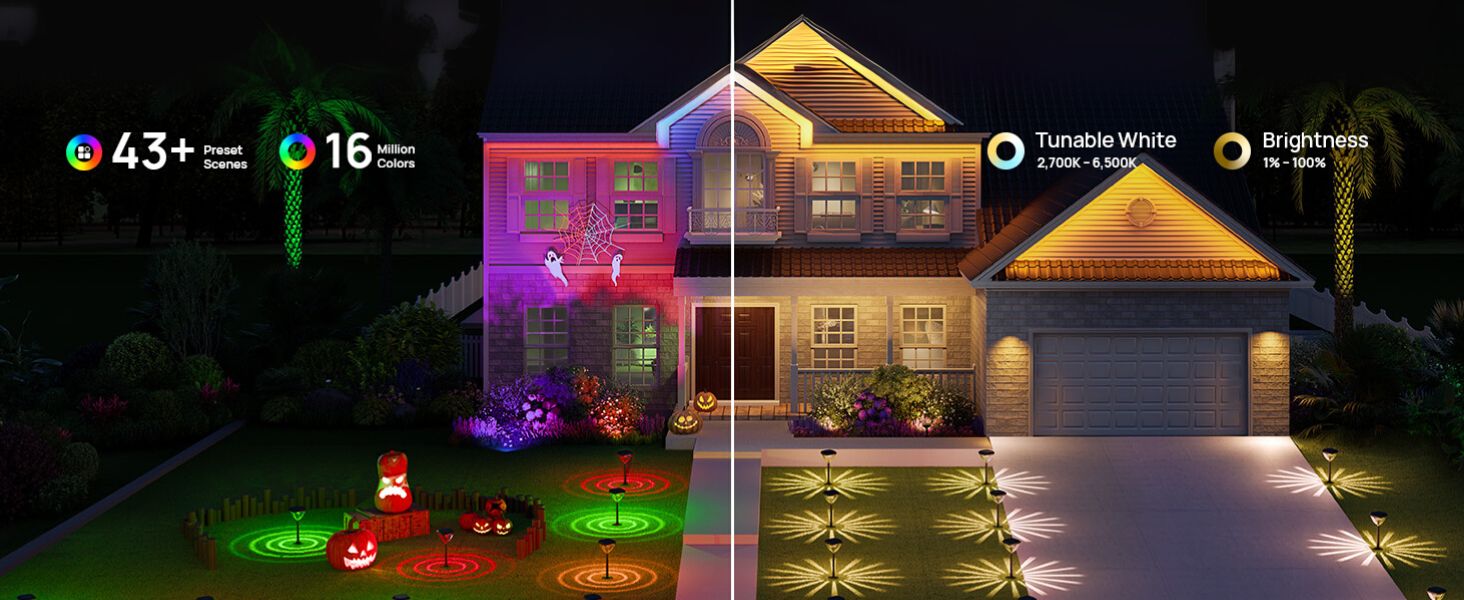
 SolarDot™ Charging and Efficiency

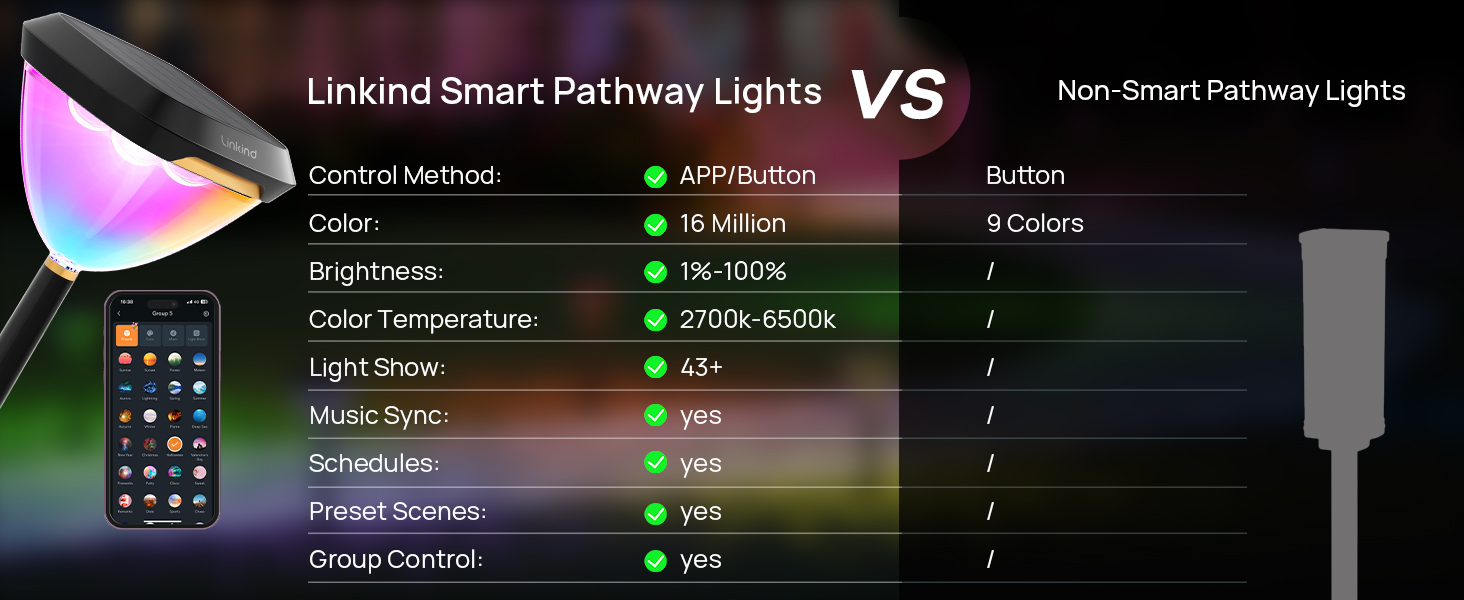
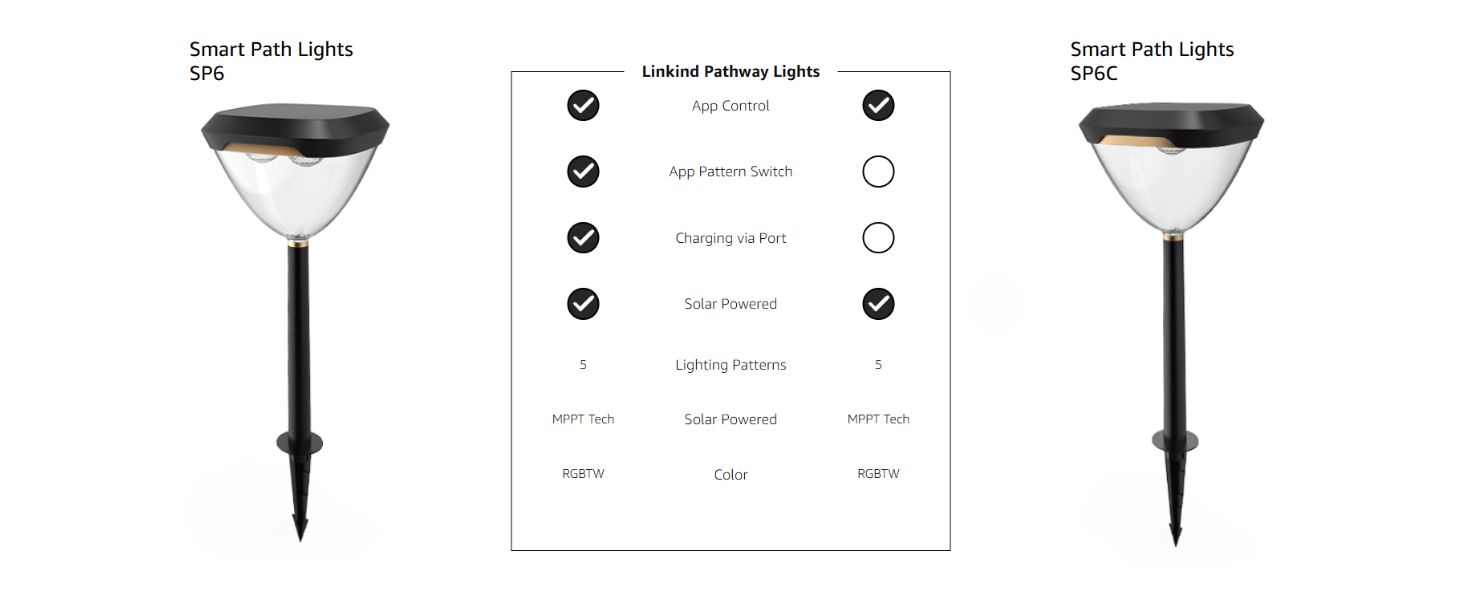


| Color | Multicolor |
| Voltage | 3.7 Volts |
| Connectivity Protocol | Bluetooth |
| Color Temperature | 6500 Kelvin |
| Mounting Type | In-Ground Mount |
| Switch Type | App Control |
| Light Source Type | LED |
| Controller Type | App Control, Push Button |
Hold the white button for 5–10 seconds until the warm white and cool white LEDs flash alternately. Release the button and the device will reset.
Charge the light using one of the following methods: Solar Charging Place the light in direct sunlight with no obstructions. Ensure the ambient temperature is between 0°C (32°F) and 45°C (113°F). Clean the solar panel with a dry cloth to maintain efficiency. USB Charging Use a DC 5V 1A/2A power adapter and a charging cable.
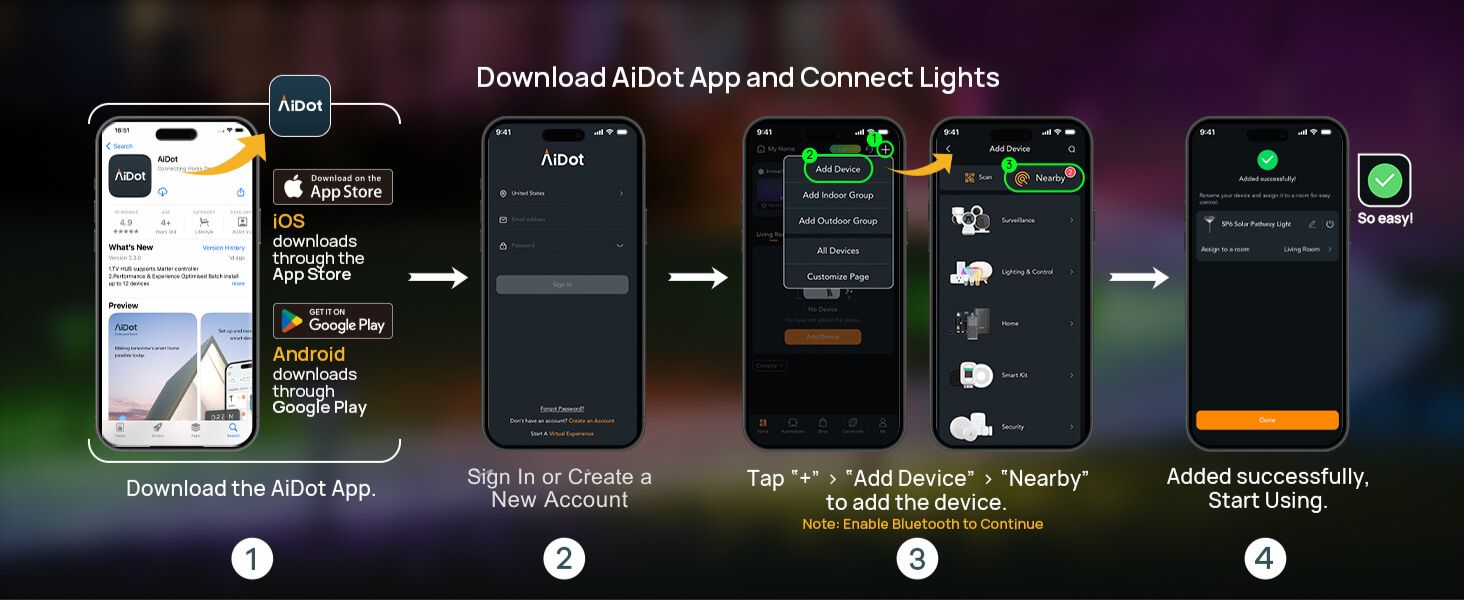
The light may appear offline in the AiDot App for two reasons: Low Power – Fully charge the light in direct sunlight for a full day or manually with a power adapter and charge cable. Out of Range – Ensure your phone is within Bluetooth distance. If too far, the light will show as offline.
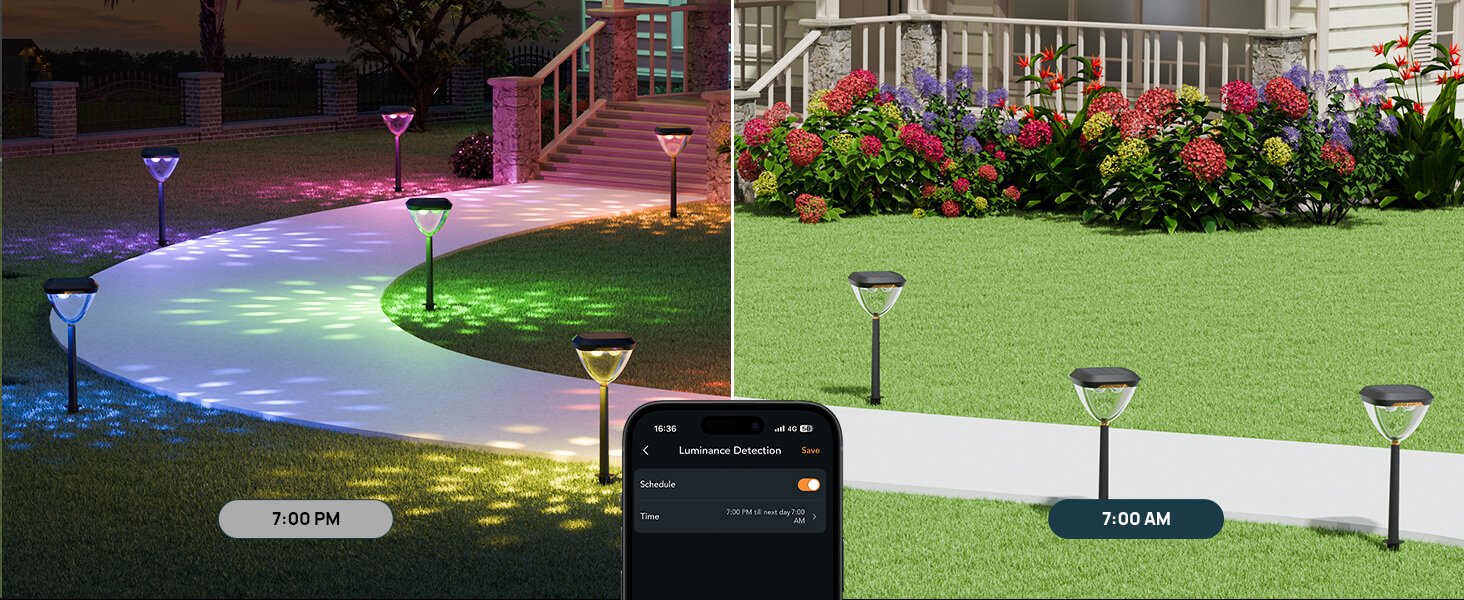
The SP6 has two Work Modes: Illuminance Detection – Light turns on at dusk and off at dawn. If a timer is set, both the light and time conditions must be met. Light Mode – Light turns on at your scheduled time, regardless of the detected luminance level. Notes: If no Work Mode is selected, the light will automatically shut off after 30 seconds. Only one Work Mode can be active at a time.
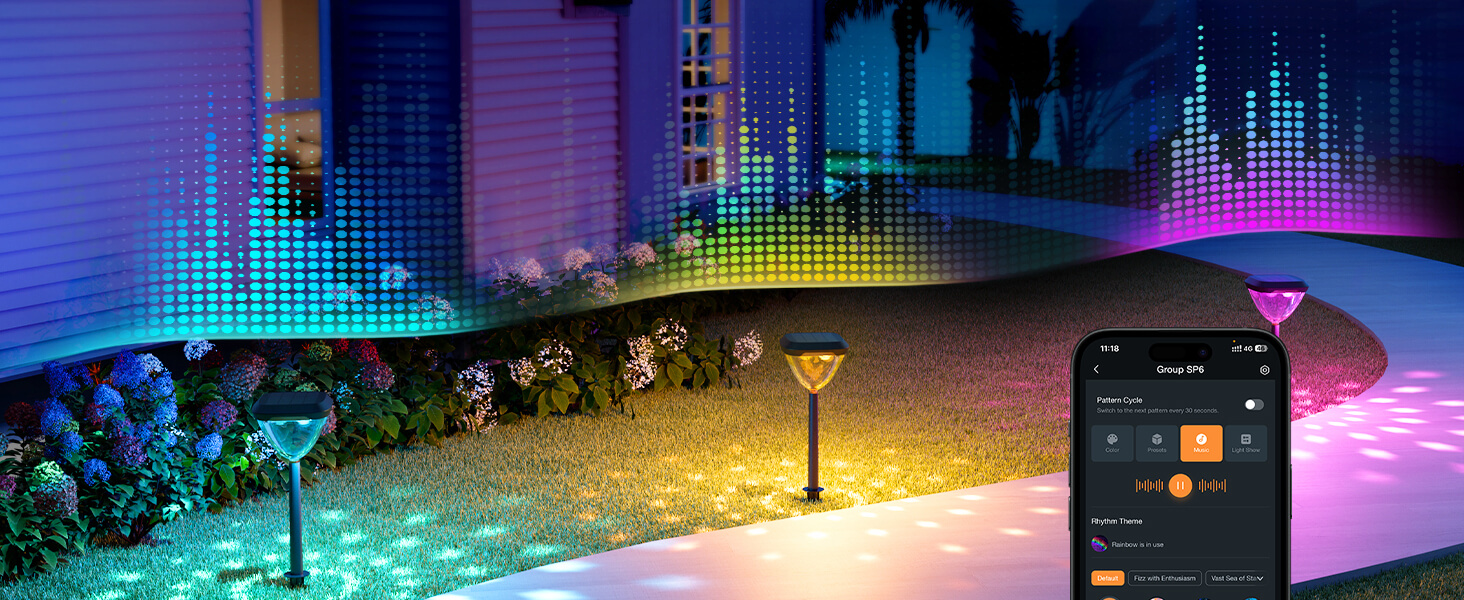
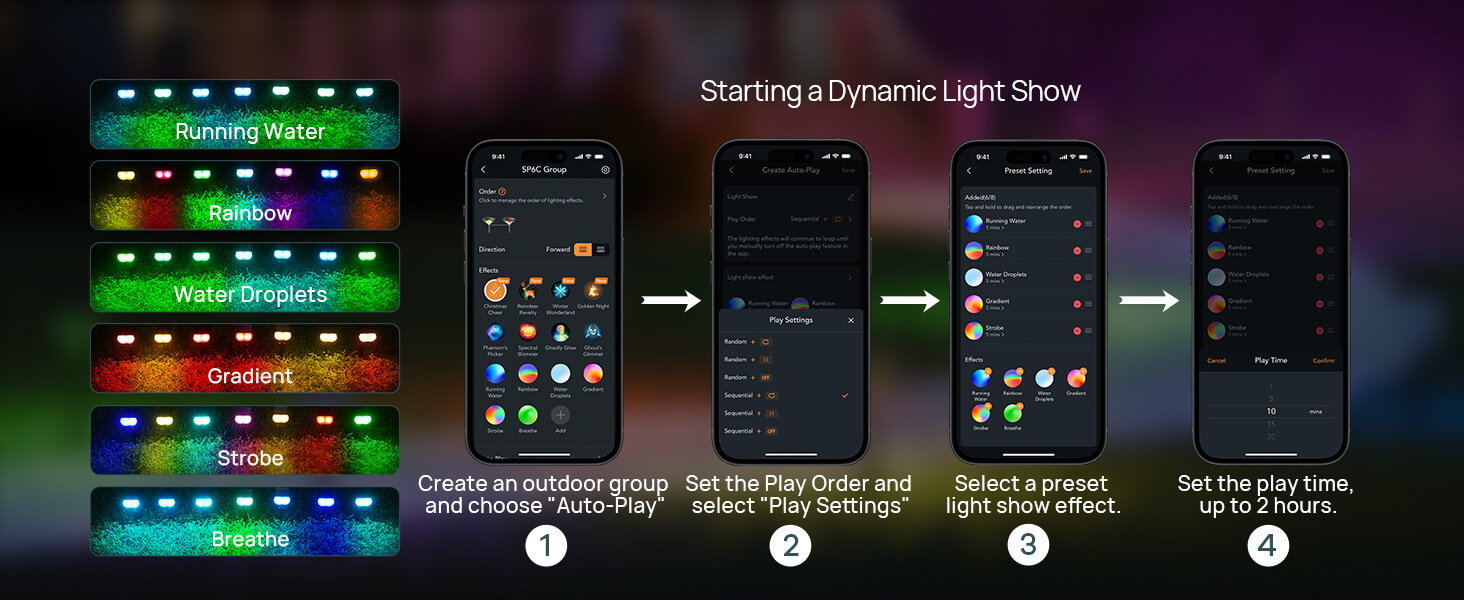
Enable the microphone on your phone (the light does not have a built-in mic). Keep the phone and light within Bluetooth range. Ensure your phone is not connected to Bluetooth headphones or speakers. In the AiDot App: Home > Select Light > Music > Play.
No, the SP6 uses a built-in rechargeable battery that is not replaceable
Only Wi-Fi-supported devices connect directly to Alexa and Google Assistant. For this Bluetooth light, you’ll need a BLE Hub. The hub connects via Wi-Fi and allows Alexa and Google Assistant voice control of your SP6.

