Skip to product information
Home / Smart Bulbs / Linkind A19 Matter Smart CCT Light Bulbs -...
Linkind A19 Matter Smart CCT Light Bulbs - 800lm
1/10

Linkind A19 Matter Smart CCT Light Bulbs - 800lm

Sale price  $27.99 Regular price  $52.99

101 reviews

00D : 00H : 00M : 00S
Bulbs: $5 Off $50+ | $12 Off $100+ | $30 Off $200+
Package
Final Price
QUANTITY
key features
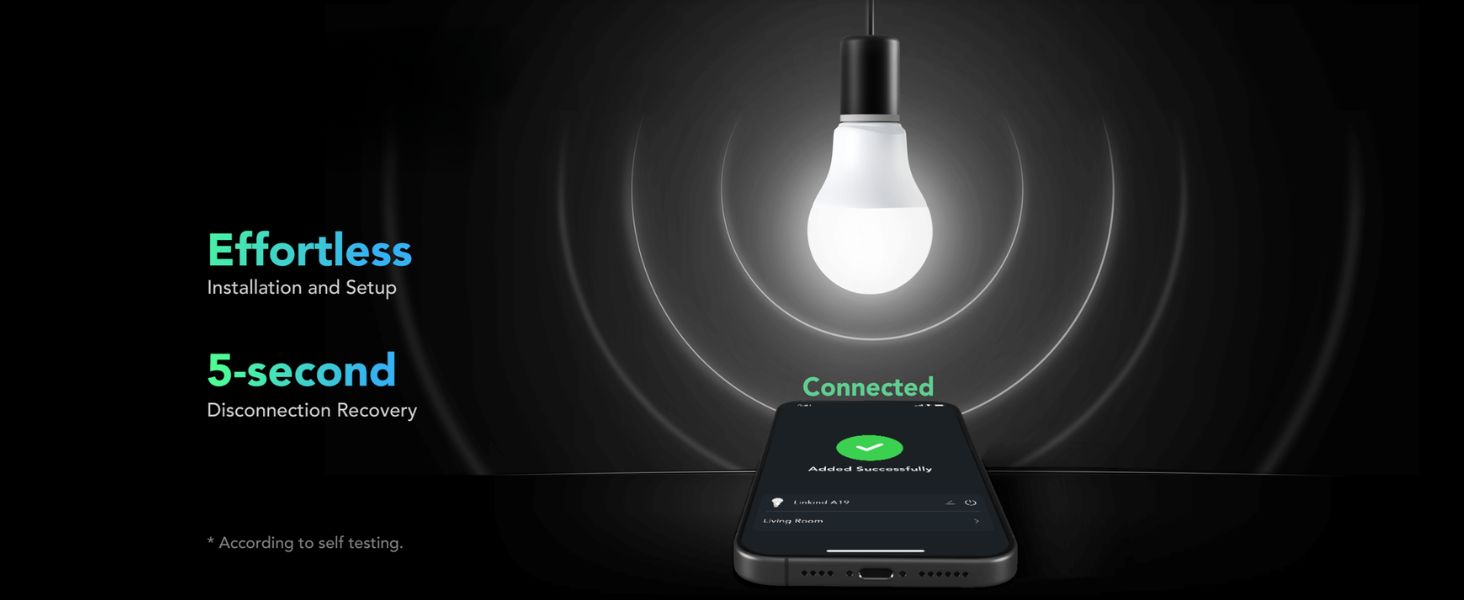
  • Reliable Dual-Mode Connectivity: Linkind matter smart bulbs use Wi-Fi & Bluetooth for stable control, auto-reconnecting in 5s after outages for seamless lighting.
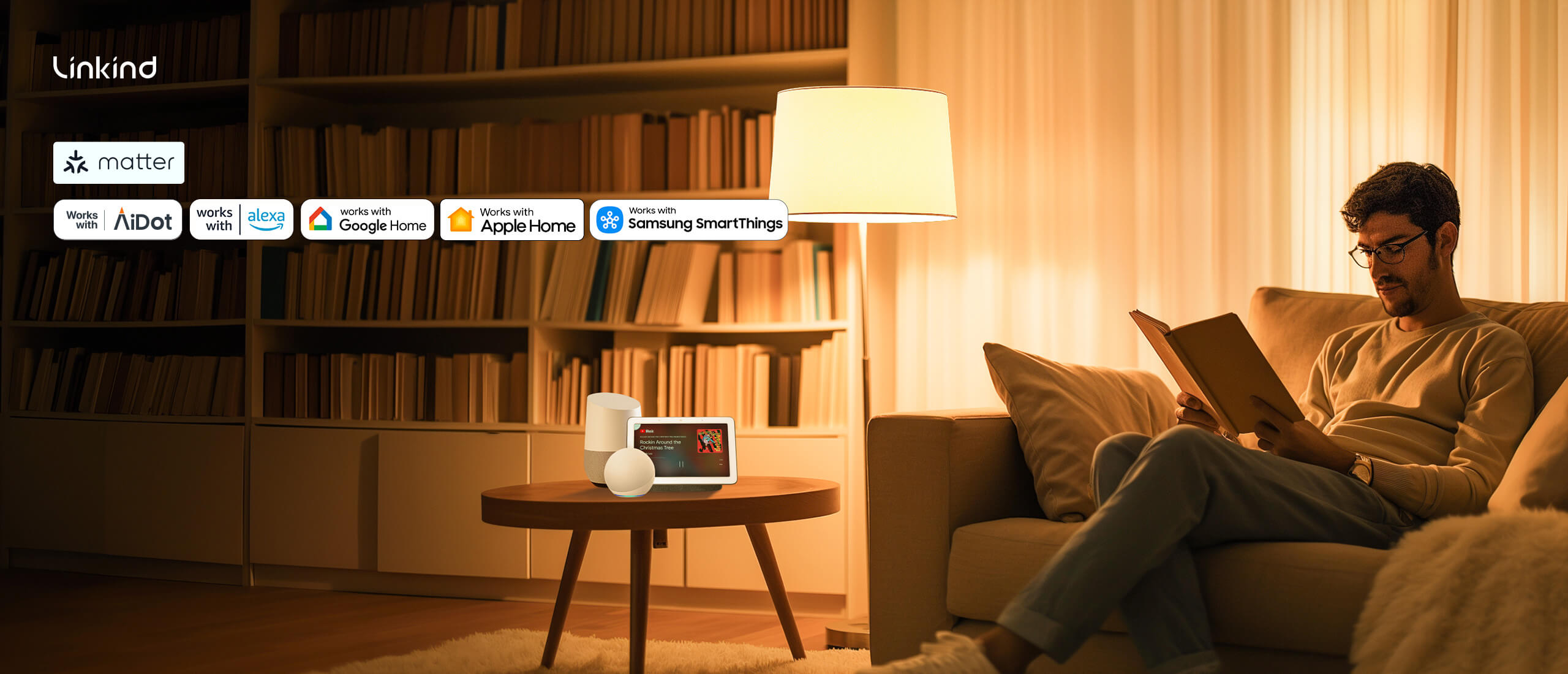
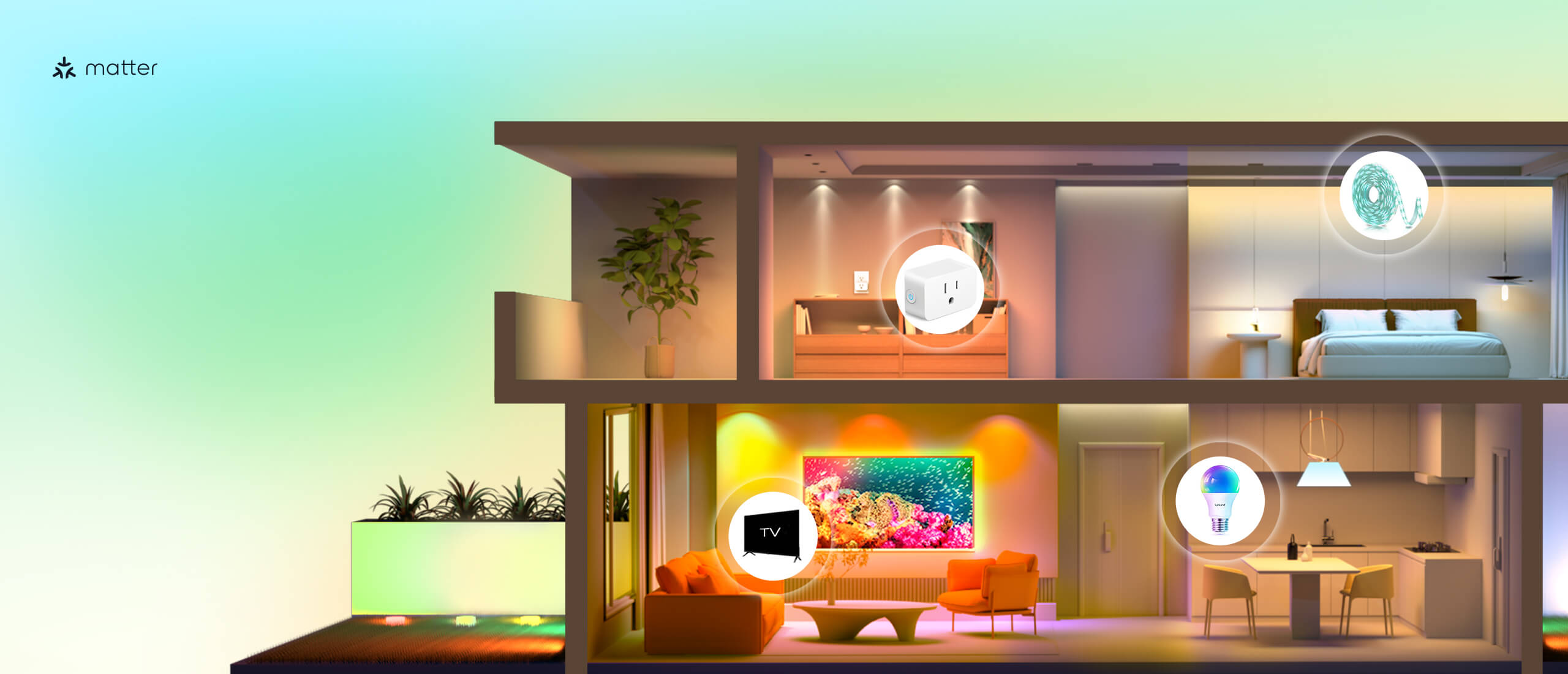
  • Matter-Compatible: Full Matter support lets you control lights via Apple, Google, Amazon & SmartThings from one platform. Set schedules & scenes without app-switching.
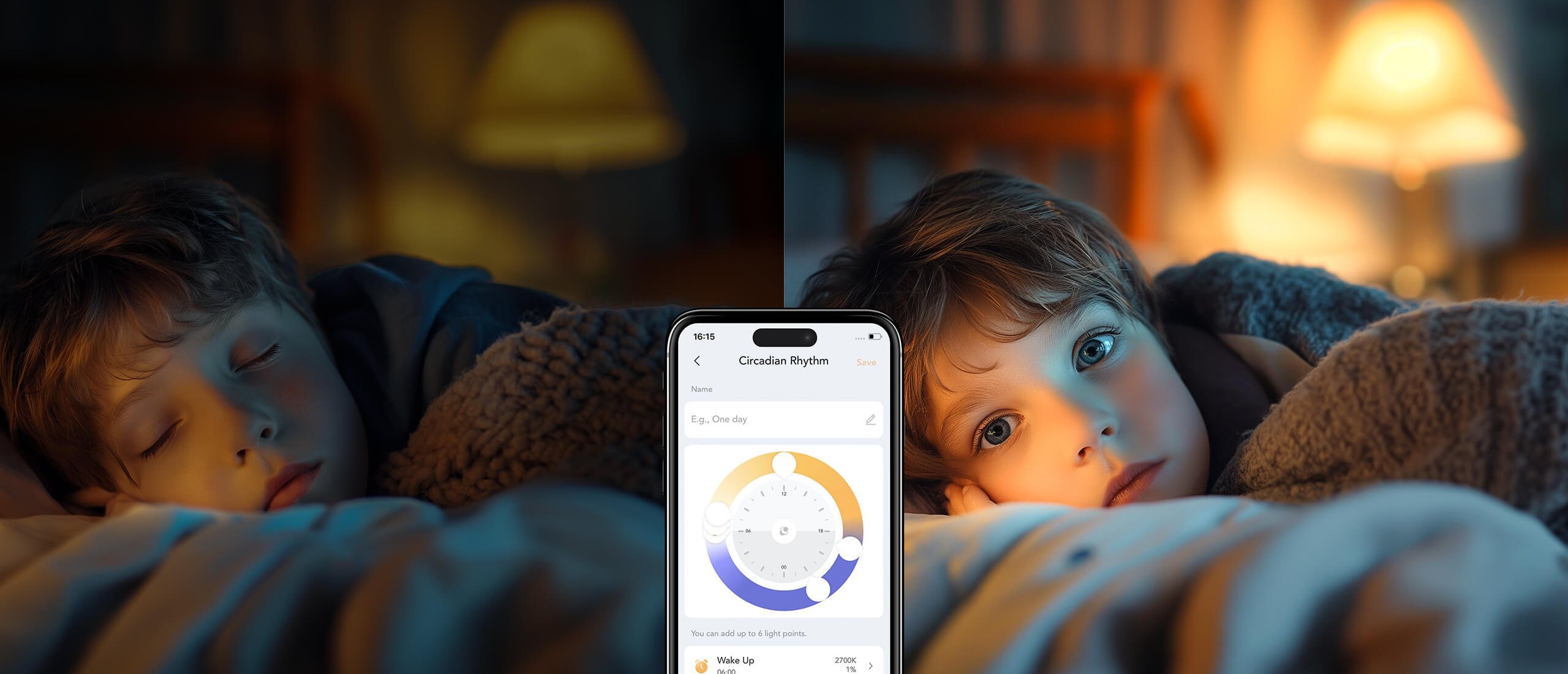
  • Tunable White with Smart Dimming: Set 2,700K–6,500K lighting & dim 1–100%. Control via AiDot app, voice commands, or Matter for the perfect ambiance.Note: These bulbs are not compatible with traditional dimmer switches.
  • Smart Schedules & Preset Scenes: Automate on/off times & choose preset scenes for effortless ambiance, enhancing your seamless smart home experience.
  • Premium and Energy Efficient: Linkind LED bulbs use 85% less energy, last 25,000 hours & let you monitor usage via AiDot app for smart savings.
Free & Fast Delivery
Lifetime Customer Support
1-Year Warranty
60-Day Money-Back Guarantee
LS10002-CCT-NA-4-AD
Delivery in 2-5 days (US) | Free shipping over $10
Final Price

You may also like

Linkind A19 Matter Smart Light Bulb, Tunable White, 800lm

linkind a19 matter smart cct light bulbs

Seamless Integration

seamless integration

Fast Connection

fast connection

Time Schedule

Time Schedule

warm white light bulbs

Dimmable light bulbs

eye friendly

energy monitoring

google home

Group Control

mood lighting

Linkind A19 Matter Smart Light Bulb, Tunable White, 800lm

Seamless Integration

Fast Connection

Time Schedule

Specification

Light Type LED
Bulb Shape A19
Base Type E26
Wattage 9W (60W equivalent)
Color Temp 2,700K – 6,500K
Dimmable Range 1% – 100%
Brightness 800 lm
Beam Angle 230°
CRI ≥90

FAQ

How can I reset my light to factory settings?

+

Begin with the bulb turned on. Turn the bulb off and back on six times in a row, with an interval between each change of power state between 0.5 to 1.5 seconds. The light will will blink twice to indicate a successful reset.

How do I add my Linkind light to a Matter ecosystem?

+

In your Matter ecosystem of choice, select the option to add a new device and then add your Linkind light by scanning the QR code found on the light or by entering the 11-digit code manually.

What should I do if I can't scan the QR code on the device?

+

If the QR code on the device can not be scanned, you can scan the same QR code from within the instruction manual instead.

What should I do if my light fails to connect to Apple Home?

+

Ensure the device running the Apple Home app is connected to a 2.4 GHz Wi-Fi network and the corresponding hub is connected to the same network. If the issue persists, try rebooting the hub, app, and mobile device.

What should I do if my light shows as offline?

+

Try controlling the device to see if it responds. If it doesn’t, turn the device off and back on. Allow up to 2 minutes for it to reconnect to the network and then check its status again.

What should I do if the device appears offline after adding it?

+

The network may be unstable. Try manually refreshing the app and check its status again.

How can I get support or extend my light's warranty?

+

You can reach support via email at service@linkind.com or call our support team at 1-877-770-5727, Monday to Friday, from 9:00 AM to 5:00 PM.

What should I do if I see a scan code prompt error or no response?

+

Ensure your app has been updated to the latest version and then try again.

What should I do if my light cannot be found?

+

If it is your first time connecting to this light, or if it has been reset to factory settings, turn the light off and back on. Try connecting within 15 minutes of the light being powered on. If the light has previously been configured, or connected with other hubs or apps, ensure all devices are connected to the same network and that pairing mode has been activated.

What should I do if the device name is different from what I set?

+

Avoid restarting the device during the setup process. After adding the device, wait for the data to synchronize, or manually refresh the app to see the updated name.

What should I do if the power state of my Linkind light is shown incorrectly in Apple Home?

+

This is an issue known to affect a small number of users in certain specific situations. We are working with Apple to resolve this and a fix will be released shortly.

Video Guides

  • 5 stars: 85 (84%)
  • 4 stars: 16 (16%)
  • 3 stars: 0 (0%)
  • 2 stars: 0 (0%)
  • 1 star: 0 (0%)
A
Anonymous
4 Pack

A little slow sometimes but seems reliable

s
shelly brenner
Would buy again

Works great with google home

e
estech
Works wonderfully extremely easy setup.

I love the details of the control the presets are nice. The dancing along of the light changing with the music is a nice feature. It is not exactly to the beat. But it is really cool. Let's say it helps in a mood. Truly one of the easiest smart bulbs i've set up. And I have six of them in my house so far. Different brands. Very happy with the device. Thank you.

L
Leo Allen
Works With Goodle

I'm not sure where some reviewers got their info, but Google DOES support Matter devices. That being said, these were VERY easy to integrate into my Google Home environment and (thanks to the Matter standard) these can be used immediately without using an additional app.Great range of colors, and I'm hopeful to get a long usage life out of them.

J
John

Lights look great! Colors bright & awesome! App works well but had to tweak schedule a few times to get just right! Operator error on my part! Would definitely buy again!

C
Customer

Works with Apple HomeKit. Does not require a bridge like the Philips Hue bulbs, but does register each bulb as a separate WiFi device. If your router is relatively new, this shouldn

J
Joseph Rabito
Works great with Alexa

Easy setup and works great with Alexa. Bulbs change color with either the app or Alexa.

D
Deb
Will buy again!

The bulbs last a very long time and the colors are pretty

Z
Zaydin
Were fairly easy to set up and the convenience is great

The setup was fairly easy for me; was a little frustrated to find out they weren't compatible with my intended hub but that was on me, not the manufacturer. I was still able to use them with the AiDot app on my phone until I got a compatible hub to control them; was able to replace the three bulbs in my ceiling fan making them easier for me to make use of.The color presets in the AiDot app are pretty but I haven't made much use of them since I got a Google Home device they were compatible with. Overall, for thirty bucks for four, I would highly recommend them.I didn't rate Alexa compatibility as I am not using an Alexa device, obviously.

M
MariskaGo
Want more

Easy to use with iPhone/ Home app. You can easily make it a warm glow with orange, or brighter with a yellow or light blue. Love the dimmable feature. You can program it to be on when you come home, when you wake up in the morning, n lots of other useful options. I plan on buying more for other rooms.

D
Desboisgulianna5
Very good light

Light works very well

C
Chris Gonzales
Very cool

Easy setup in the home app on iOS. Their app has cool scenes. Great value for the price.

L
Laura Diaz
They work as advertised.

The bottom line with any product that involves technology is, does it work? The answer is yes. All I care about is can I just holler at my Alexa and they turn on or off. Plus there is an easy app to change the color as needed.

J
Jeffrey Turner
These work great!

I used these bulbs to make "corner" sconses in my living room.They work just fine.

C
Chad
These are great

The installation was somewhat tricky, as is always the case with smart bulbs. However, the app is great! I am able to easily set

G
Great leds
Soo many features and very good quality

Great quality good strong lights I use them every night I bought them for very cheap too!

R
Rickie
So Far So Good

I purchased these bulbs for Christmas for our porch outside the house. So far I have had no issues and as a bonus the bulbs paired easy with HomeAssistant via the matter integration. Use the companion app on your phone and scan the QR code on the bulb for integration. The AiDOT application is also intuitive and easy to use.

T
Tracey Miller
So Easy To Install!!

I have purchased quite a few smart bulbs but I think this was the easiest and most versatile one I've bought. The Aidot app is so simple to use and it was easy to set up, unlike some of the other ones I've had. Also, those bulbs will work with just about any app you want to use - Alexa, Apple Homekit, etc. And if you don't have one of those it's no worries. I use the app to control my security camera as well. The bulb itself - you can't get a better deal. I am a thrifty shopper and for your money, hands down this one is a winner. The colors are vibrant and the brightness is great. I can dim it so low. I love the blue light late at night to help me wind down at the end of the day. 5 stars!

E
Emerson Walker
Reliable, seamless, convenient, Functional.

I purchased the AirDot matter Wi-Fi light bulbs and I was expecting a cheap product at the price point for these light bulbs I was not expecting quality... boy was I wrong. from the moment I opened the box I could tell they were well made as soon as I downloaded the app I could see quality and attention to detail in every corner of the UI. i connected and integrated my bulbs into all of my smart technology and I will say there is a limitation with how Google can control the app functions but it does not seem to be a limitation of the product yet Google instead I am a theater performer who sings online everyday these lights have been such a game changer I have people constantly commenting and asking me where I got them and so many other questions and I so and asking me where I got them and so many other questions and I get so excited to share because these work so well. There are so many functions available between syncing up with music creating your own scenarios are one of the many amazing presets and so much more available on the app I really can't recommend these enough.

D
Derrick Hostin
Remote lights

Love these bulbs, you can program them to change color, turn off, and turn on.

R
Ryo Takei
Really good alternative to regular lights

Turns out, I needed a "hub" to use this on Apple Homekit. My fault for not knowing... Regardless, the app works great, and and bulb functions as it should. I installed it on my night stand and it works great!

C
CULLEN CARBONE
Pretty good smart bulbs

Took a sec to set up. Syncs with Google home and Amazon but you don't get all the customization features unless you use their app.

C
Che Won Han Cho
Phones controllable light bulb

This was my first phone controllable lightbulb that I

H
Hunner

With the discount it was so worthwhile. Makes for the best mood lighting

C
Carol Nelson
Overall good

Does not work with Apple Home. Had to download AiDot app. Otherwise works great and was easy to setup. I just really did not want to download yet another app. This was the second company I ordered from that advertised it worked with Apple Home and the version I was sent did not. I recommend an option to check the app you

P
Patrick Thomas

They do their job. Easy to control and look like you want them to. Connected to Alexa easily and I have them setup with routines for our living room. Mood lighting for movies and TV makes these great to use. Not as bright as some, but colors are the push here, not how bright it can be.

R
Rich Q
overall great purchase for the price

works well, looks good, bright enough, lots of colors

W
William A. Lucier
Not ready for Prime-Time

Despite "Matter" certified, could not be installed with Alexa or SmartThings directly... spent hours before resorting to installing another unwelcome device-specific app on the phone to finally get connection.UPDATE 2 Oct: Customer service was responsive and helpful. Able to connect via Alexa, issues remain at SmartThings, appears to be at Samsung side of connection.

Z
Zero1364
Nice lights! However...

These lights are a wonderful bang-for-buck product, and I feel that they are a much better alternative to the Philips Hue lights that I have. However, I feel that these lights aren't as bright as the Philips. I also had experienced a minor flicker with one bulb, but I feel that was due to the older light socket I installed it in. Other than the brightness, I'm very satisfied with this product, and I will be buying more of them in the future.

H
Heather
Nice light bulb

I ordered the light bulb because they work with HomeKit and google home. They worked right away with the app for linkind but not with Apple HomeKit . I had to manually put code in for each light bulb. After that it worked great. When I did it for google home it took it right away with no problem. The colors are nice it

B
Big JQ
My 2nd set of bulbs

These smart bulbs are great to have the different settings are easy. The best part is that the smart light are simple to set up when using the app.

User Manual