


 Delivery in 2-5 days (US) | Free shipping over $10
Skip to product information


Linkind Smart Light Bulbs BR30 - 650lm
Sale price
$28.99
Regular price
$90.99
00D :
00H :
00M :
00S
00D :
00H :
00M :
00S
key features
Free & Fast Delivery
Lifetime Customer Support
1-Year Warranty
60-Day Money-Back Guarantee
LS10003-RGBTW-US-4
Delivery in 2-5 days (US) | Free shipping over $10
You may also like
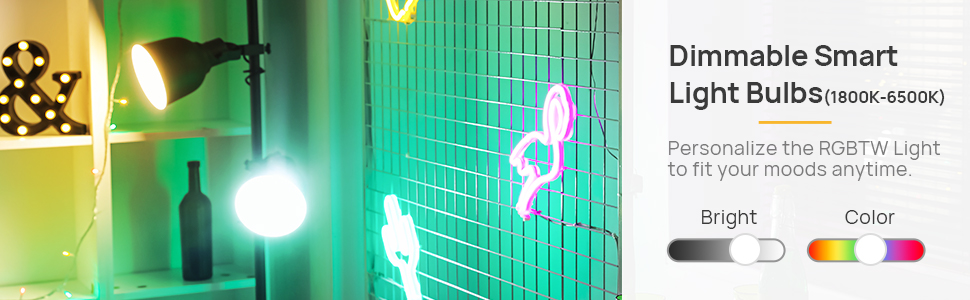
Linkind BR30 Smart Wi-Fi RGBW Light Bulb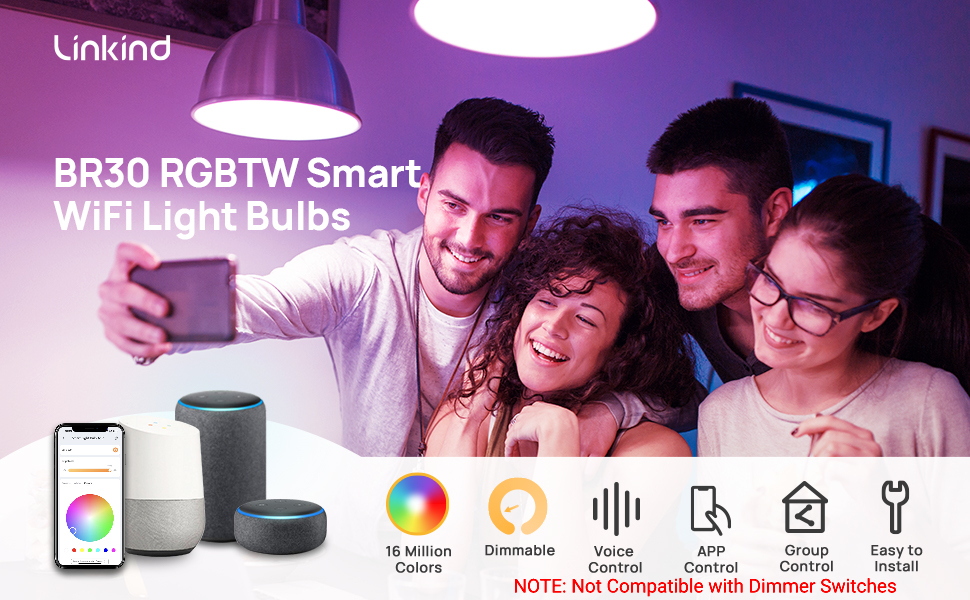 Complete Smart Control: Voice, Dimming & Endless Colors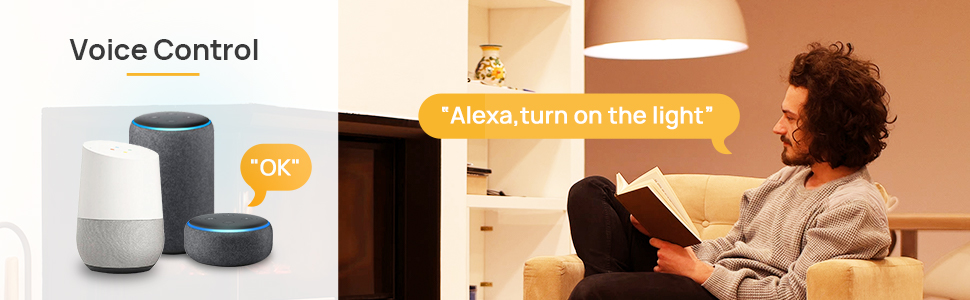

Linkind BR30 Smart Wi-Fi RGBW Light Bulb

Complete Smart Control: Voice, Dimming & Endless Colors
Specification
| Light Type | LED |
| Bulb Shape Size | BR30 |
| Bulb Base | E26 |
| light Source Wattage | 8 Watts |
| White Brightness | 650 Lumens |
| Color Temperature | 2700 Kelvin |
| Lifespan | 25000+ |
| Light Color | Warm White |
FAQs
How is Linkind Smart Light Bulbs BR30 - 650lm different from the Matter BR30 650lm?
+This model connects through 2.4GHz Wi-Fi and works with AiDot, Alexa, and Google Home without a hub, but it does not support Matter. Choose the Linkind Matter BR30 650lm if Matter integration is important to your smart home setup.
Will these BR30 smart bulbs fit my recessed lighting or track lights?
+They use a standard E26 base and BR30 bulb shape, making them suitable for compatible recessed and track-light fixtures. Check your fixture size and clearance before ordering, and do not use them in totally enclosed luminaires.
Is 650 lumens bright enough, or should I choose the 1200lm BR30?
+The 650lm model uses 8W and works well for softer recessed, accent, and everyday lighting. If you want noticeably brighter illumination for a larger room or task-focused space, Linkind also offers a 1200lm BR30 model.
Do these BR30 smart bulbs work with Alexa and Google Home? Do I need a hub?
+Yes. They work with Alexa and Google Home through AiDot integration, and no additional hub is required. You can use voice commands for power, brightness, and supported lighting controls.
Do Linkind BR30 smart bulbs work with 5GHz Wi-Fi or wall dimmers?
+No. These bulbs require 2.4GHz Wi-Fi and are not compatible with traditional wall dimmers. Keep the wall switch fully on and adjust brightness wirelessly through AiDot or voice control instead.
Can I control multiple BR30 bulbs together and create lighting scenes?
+Yes. You can group multiple bulbs for synchronized control and use schedules, preset scenes, colors, dimming, and Music Rhythm in AiDot for everyday lighting, movies, parties, or holidays.


