


2 in 1 Solar Outdoor Spot Lights With Waterproof
$121.68
$152.10
-20%

Linkind EL8 Pro Smart Light Strip
Pickup currently not available

 Estimated delivery in 3-7 business day
Pickup currently not available

Segmented control. Seamless transitions. Flawless color.
The scene-sync algorithm analyzes HDMI input and delivers color-perfect lighting—adding a touch of movie magic to every viewing moment.

Choose 10, 25, or 50 ft lengths and trim to fit your setup exactly.
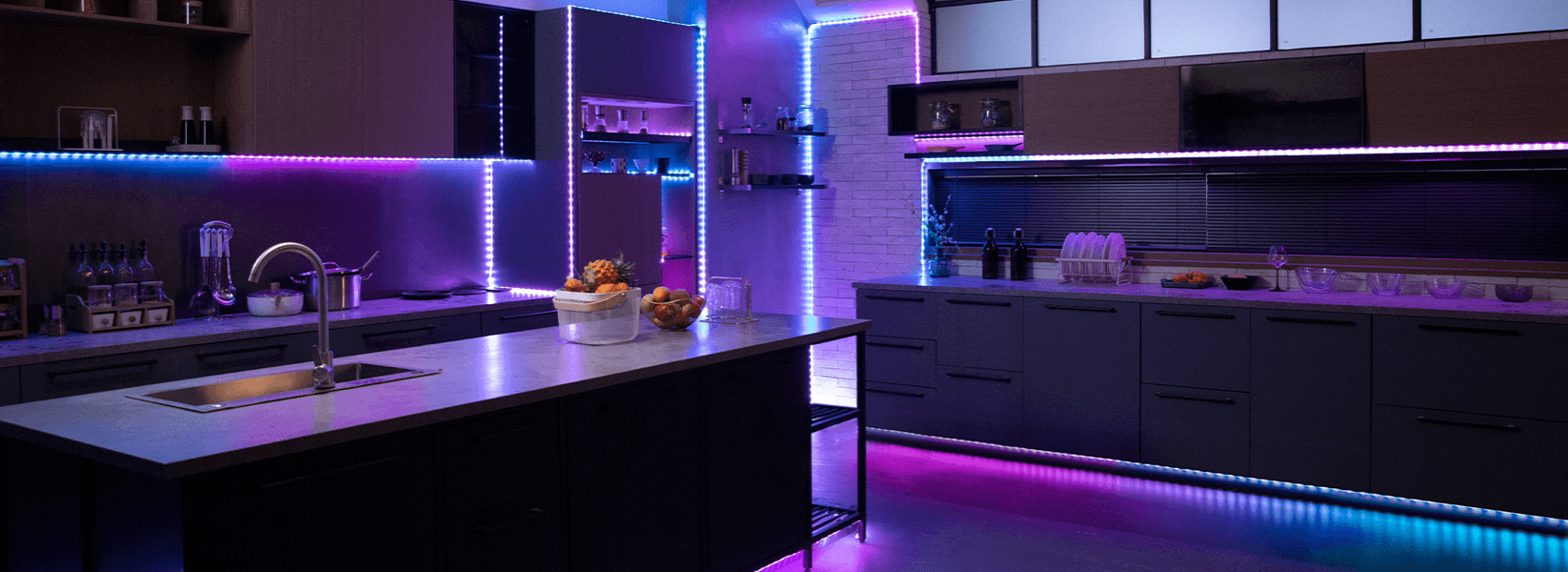
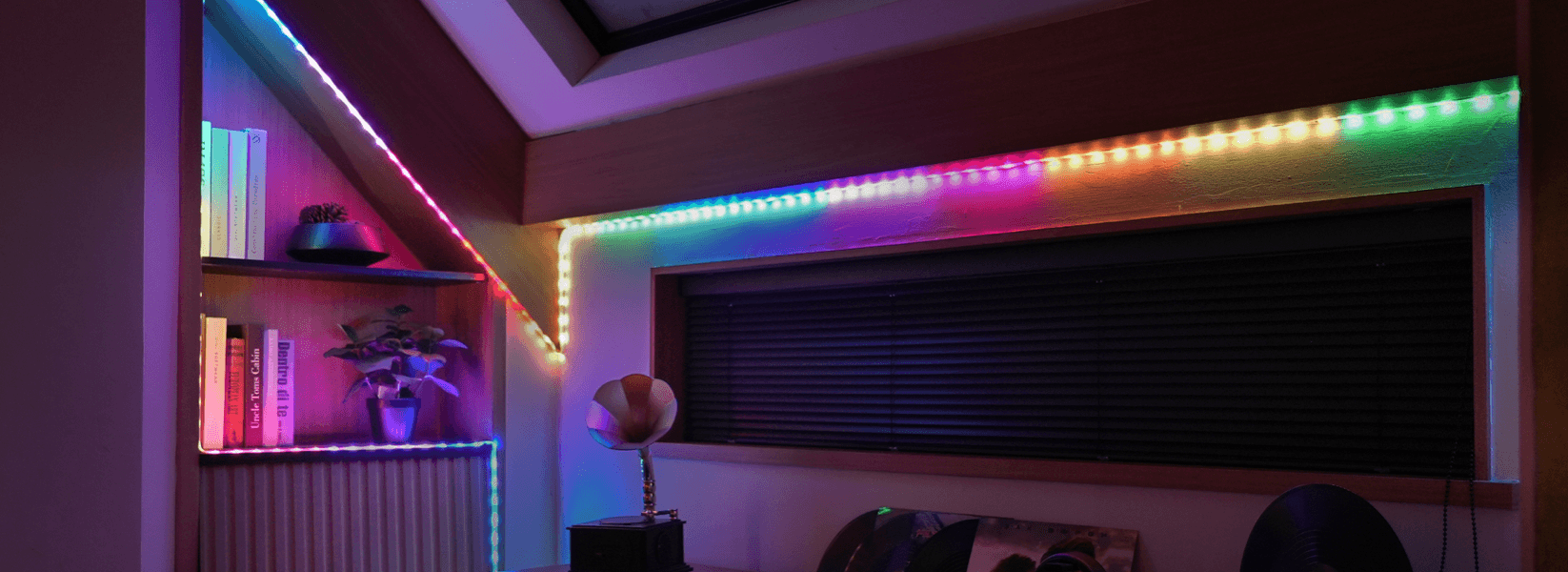
Mount anywhere with no tools required—durable, flexible, and easy to adjust for your space.

1. Confirm you're using the provided power adapter. 2. Turn the light strip off and then back on. 3. Make sure both the adapter and the controller are powered on. 4. Press and hold the controller’s power button for 5 seconds to perform a factory reset.
1. Ensure Bluetooth is enabled on your mobile device. 2. Try using a different mobile device if yours may be incompatible. 3. Restart both the light strip and your phone’s Bluetooth. 4. Stay within 1 meter (3 feet) of the light strip during connection. 5. Remove any obstructions between your device and the light strip.
1. Follow the connection steps in the AiDot app carefully. 2. Ensure your Wi-Fi network is 2.4 GHz (5 GHz is not supported). 3. Confirm your phone is connected to the same Wi-Fi network and that it’s working properly. 4. Double check that the correct Wi-Fi password has been entered. 5. Try connecting to a different Wi-Fi network to rule out router issues.
1. Attempt to control the device to see if it responds. 2. If unresponsive, restart the device and wait 2 minutes to see if it comes back online.
Press and hold the controller’s power button for more than 5 seconds. The light strip will reset and enter pairing mode (indicated by a color cycle).
1. In the AiDot app, go to Integration > Amazon Alexa. 2. Log into your Alexa account. 3. Enable the AiDot skill. 4. Use Alexa voice commands to control the light strip (on/off, brightness, colors) using the name assigned in the AiDot app.
1. In the AiDot app, go to Integration > Google Assistant. 2. Search for the AiDot action in Google Assistant and link your account. 3. Control the light strip using voice commands (on/off, brightness, colors) via Google Assistant.


