Delivery in 2-5 days (US) | Free shipping over $10
Pickup currently not available

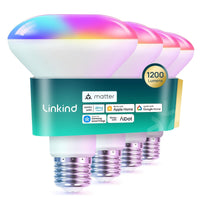
Linkind Matter Smart RGBTW Light Bulbs BR30 -(650lm/1200lm)
Pickup currently not available
 Delivery in 2-5 days (US) | Free shipping over $10
Pickup currently not available
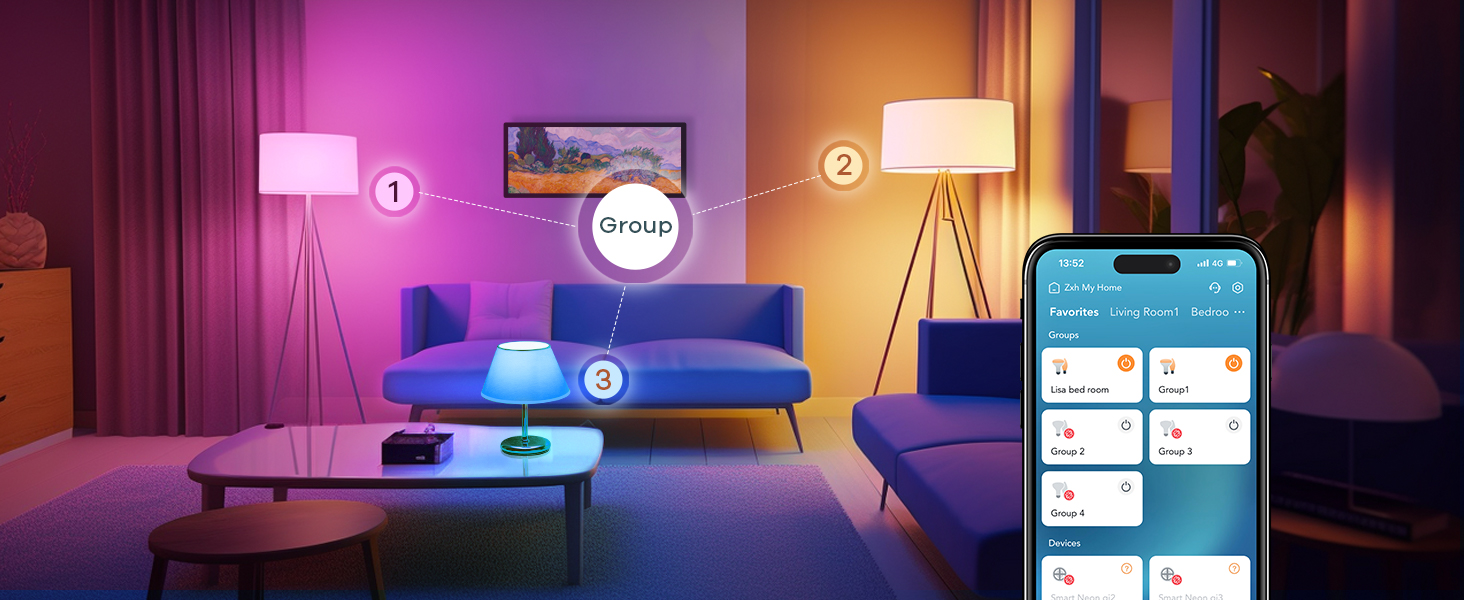
 Group Control
 Time Schedule
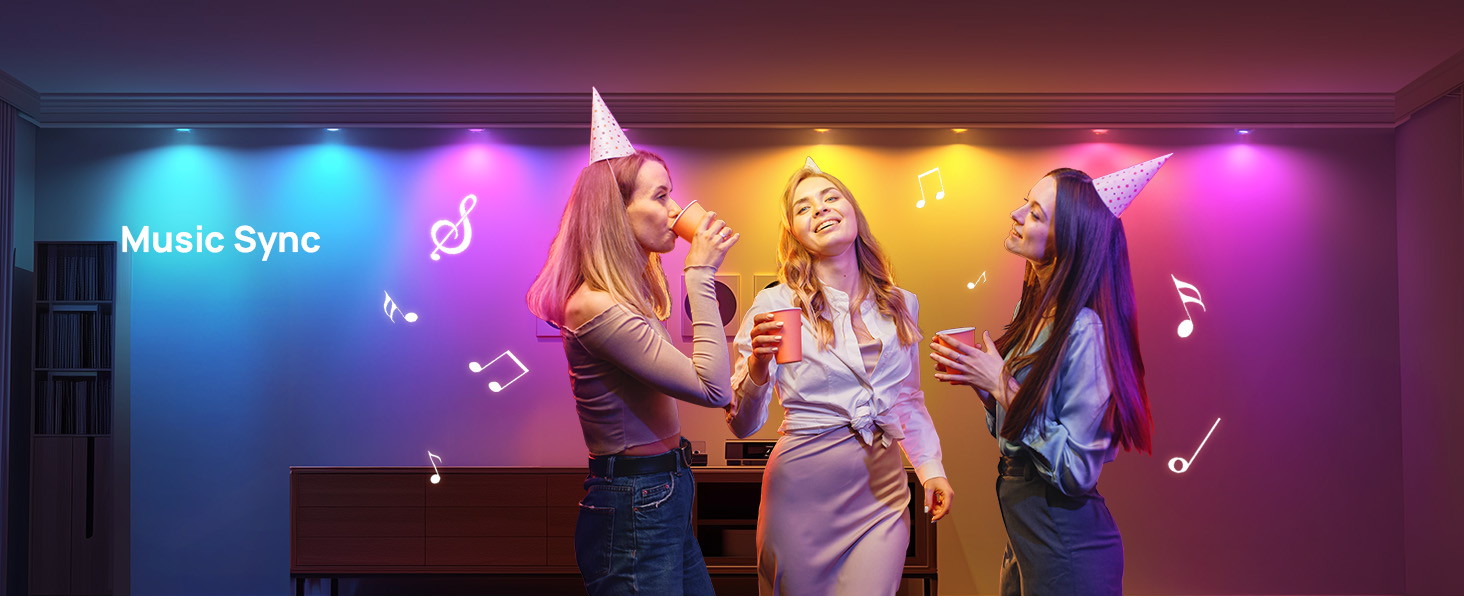
 Music Sync
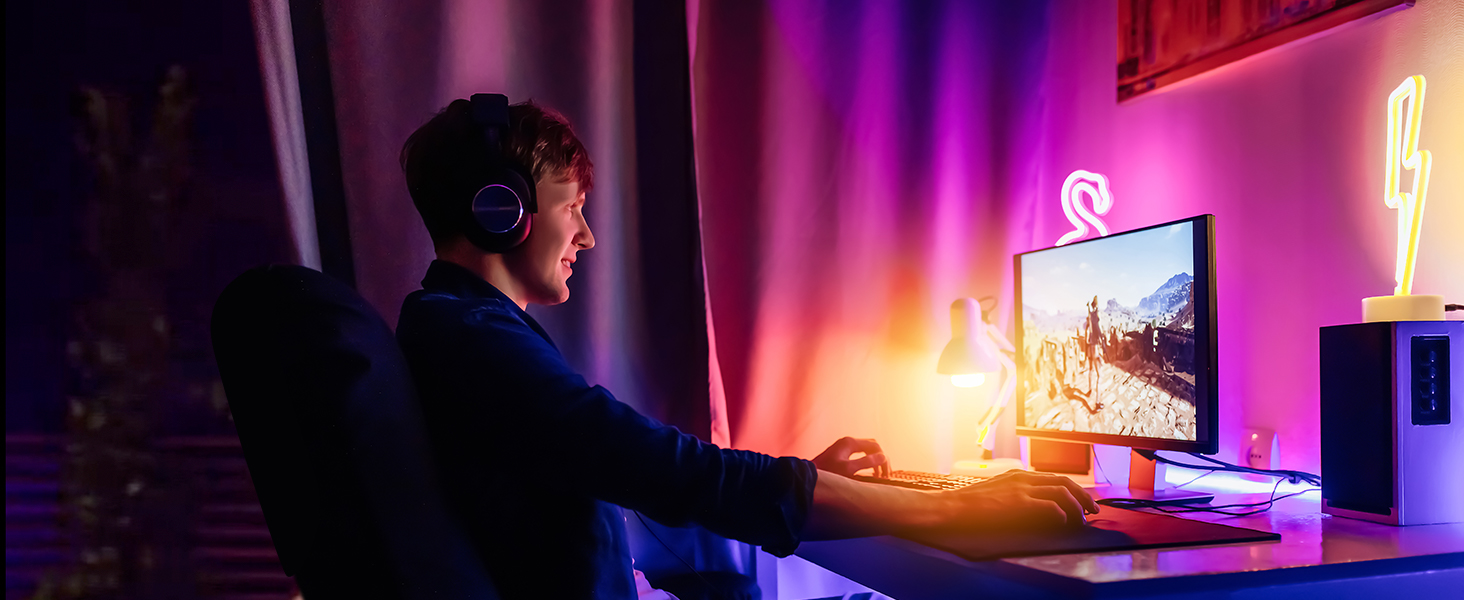 Diverse Scenes



| Light Type | LED |
| Bulb Shape | BR30 |
| Base Type | E26 |
| Wattage | 8W (60W equivalent) |
| Color Temp | 1,800K – 6,500K |
| Dimmable Range | 1% – 100% |
| Brightness | 650 lm |
| CRI | ≥90 |
| Bulb Shape Size | BR30 | BR30 | ST19 | BR30 |
| Wattage | 8 Watts | 14 watts | 8 watts | 9.5 watts |
| Light Mode | RGBTW Dimmable | RGBTW | warm white to cool white | RGBTW |
| Brightness | 650LM | 1200LM | 800LM | 850LM |
| Color Temperature | 1800-6500k | 1800-6500k | 2700K-6500K | 1800-6500k |
| 2.4GhzWi-Fi+BLE | √ | √ | √ | √ |
| Music Mode | √ | √ | √ | √ |
| Timer & Voice & Group Control | √ | √ | √ | √ |
| APP | √ | √ | √ | √ |
| Matter | √ | √ | √ | √ |
| Controller Type | Alexa, Google Home,SmartThings | Alexa, Google Home,SmartThings | Alexa, Google Home, Apple Home, SmartThings | Alexa, Google Home, Apple Home, SmartThings |
| Bulb Shape Size | Wattage | Light Mode | Brightness | Color Temperature | 2.4GhzWi-Fi+BLE | Music Mode | Timer & Voice & Group Control | APP | Matter | Controller Type | ||
|---|---|---|---|---|---|---|---|---|---|---|---|---|
|
Linkind BR30 Matter Smart RGBTW Light Bulbs-650lm
$24.99
| BR30 | 8 Watts | RGBTW Dimmable | 650LM | 1800-6500k | √ | √ | √ | √ | √ | Alexa, Google Home,SmartThings | |
|
Linkind BR30 Matter Smart RGBTW Light Bulbs-1200lm
$49.99
| BR30 | 14 watts | RGBTW | 1200LM | 1800-6500k | √ | √ | √ | √ | √ | Alexa, Google Home,SmartThings | |
|
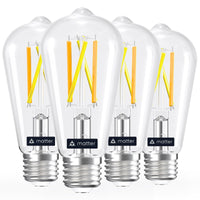
Linkind Matter Smart Edison Light Bulbs ST19(ST58) - 800 lumens
$30.99
| ST19 | 8 watts | warm white to cool white | 800LM | 2700K-6500K | √ | √ | √ | √ | √ | Alexa, Google Home, Apple Home, SmartThings | |
|
Linkind Matter Smart Light Bulbs Aura BR30-850lm
$69.99
| BR30 | 9.5 watts | RGBTW | 850LM | 1800-6500k | √ | √ | √ | √ | √ | Alexa, Google Home, Apple Home, SmartThings |
This version is Matter-enabled, making it easier to integrate with major smart home ecosystems. The standard Linkind BR30 650lm is a Wi-Fi smart bulb without Matter support. Choose this model if Matter compatibility is important to your setup.
They use an E26 base and are designed for compatible BR30 recessed fixtures. They fit most 5" or 6" recessed cans; check your fixture size and clearance before ordering.
The 650lm model is well suited to standard recessed, accent, and everyday lighting. If you want noticeably brighter illumination for a larger room or task-focused space, Linkind also offers a 1200lm Matter BR30.
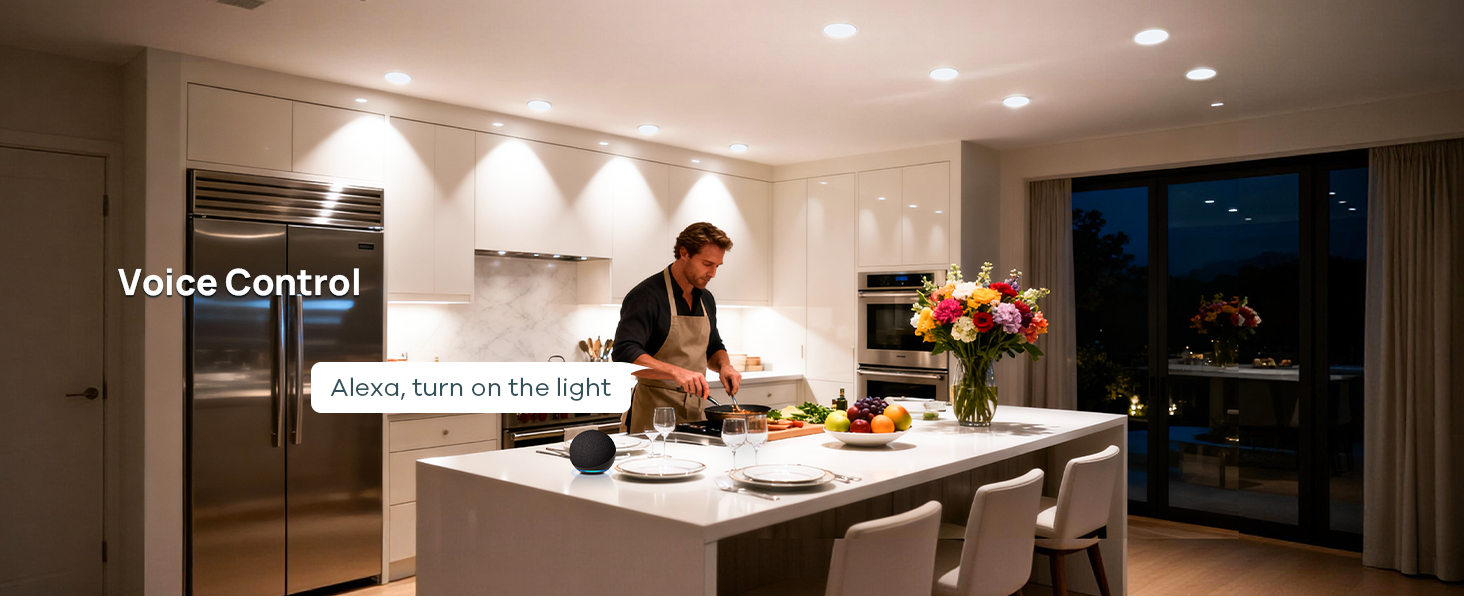
Yes. It supports major Matter ecosystems including Alexa, Apple Home, Google Home, and SmartThings. Matter setup uses 2.4GHz Wi-Fi and requires a compatible Matter controller where your chosen platform requires one.
No. Do not use them with traditional wall dimmers, as this can cause flickering or buzzing. Keep the wall switch fully on and adjust brightness from 1% to 100% through AiDot or your smart home platform instead.
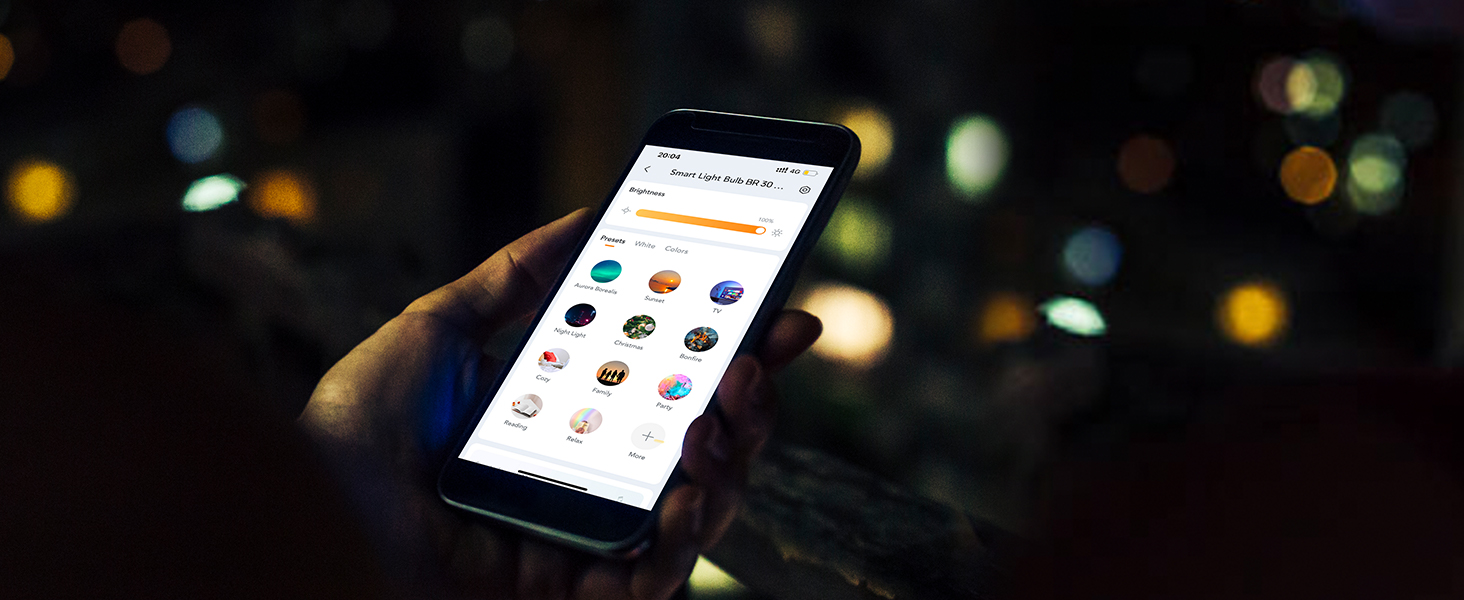
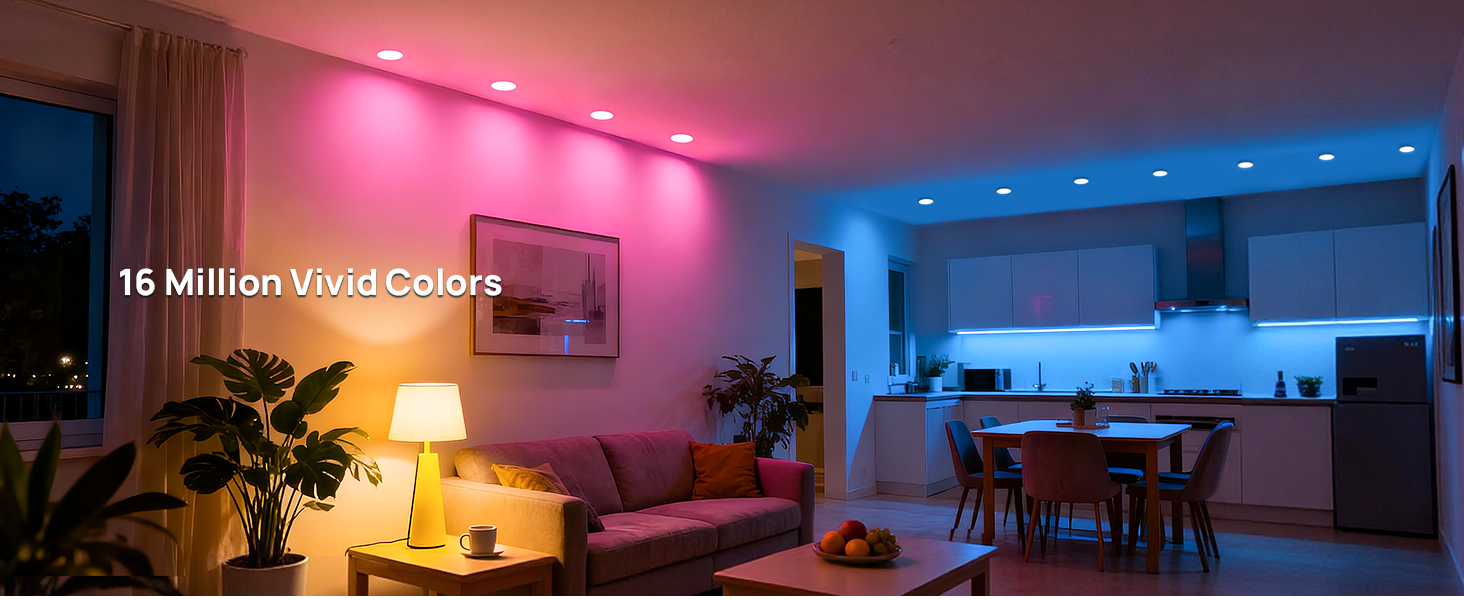
Yes. You can group multiple bulbs for synchronized control and use 16 million colors, 1800K–6500K tunable white, 1–100% dimming, 104 preset modes, schedules, and Music Sync for everyday lighting, movies, gaming, or parties.
You can reach support via email at service@linkind.com or call our support team at 1-877-770-5727, Monday to Friday, from 9:00 AM to 5:00 PM.
Ensure your app has been updated to the latest version and then try again.
If it is your first time connecting to this light, or if it has been reset to factory settings, turn the light off and back on. Try connecting within 15 minutes of the light being powered on. If the light has previously been configured, or connected with other hubs or apps, ensure all devices are connected to the same network and that pairing mode has been activated.
Avoid restarting the device during the setup process. After adding the device, wait for the data to synchronize, or manually refresh the app to see the updated name.
This is an issue known to affect a small number of users in certain specific situations. We are working with Apple to resolve this and a fix will be released shortly.